In Part 1, I framed PDF as a combination of an object graph and rendering commands rather than a conventional document file. The Header, Body, xref, and trailer form the high-level skeleton; the Catalog and Pages tree define the page structure; and each Page object connects the rendering instructions and resources needed for display through its Contents and Resources.
Part 2 covers the design philosophy behind scoping a PDF editor built on that structure. Before any implementation details, you need to decide on your goal: whether to build a word-processor-style editor, a page-assembly tool, or an object-graph rewriter — because that decision completely changes the architecture.
The initial goal of Edit2me, the tool I built, is clear: not a free-form text editor for PDF content, but a tool for merging multiple PDFs, reordering pages, and assembling selected pages into a new PDF. That scope isn't a concession — it's an honest acknowledgment of what the PDF format actually is.
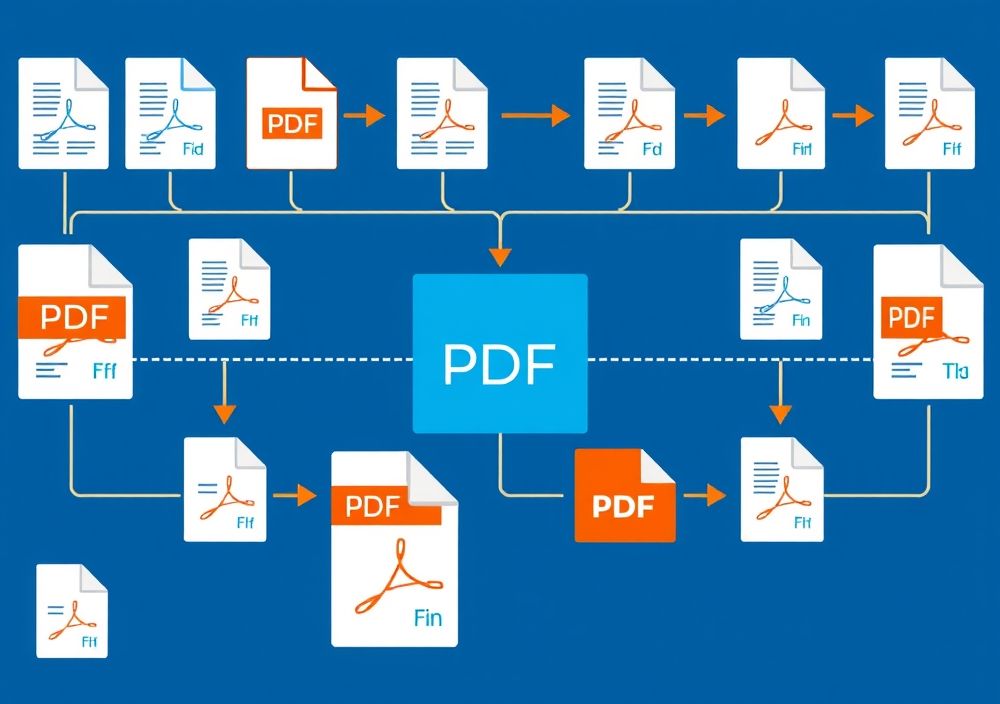
A PDF editor is best understood as a workflow: upload files, select pages, assemble, and export. Source: ConvertAll
Structure of Part 2
Part 2 covers the following topics in order.
- The assumption you must drop first when building a PDF editor
- Why page-level editing is the right primary goal
- Choosing between preserving originals and rewriting a new document
- Why object graph copying and reference remapping matter
- Why text editing is excluded from the initial scope
- Why the document model must come before the UI
- How RAG document-parsing experience feeds into PDF editor design
- What Edit2me prioritized and what it deliberately deferred
The core of this post is implementation philosophy. What matters more than which library you use is what problems you explicitly decided not to solve. A PDF editor becomes unstable quickly as features accumulate, so the processing scope must be structurally constrained from the start.
The Assumption You Must Drop First When Building a PDF Editor
The most dangerous assumption when building a PDF editor is that PDF is a general-purpose editable document format. PDF is a fixed-layout document format designed to render text and images reliably on a page. The PDF Reference 1.7 describes page content as a structure rendered through graphics operators, text operators, image XObjects, and resource dictionaries.
In that structure, the sentence a user sees on screen does not map 1-to-1 to strings in the file. What looks like a single line on screen may internally be split across multiple Tj and TJ operators. The actual Unicode extracted depends on the font encoding and the ToUnicode CMap. For image-based PDFs, text may not exist at all.
Designing a PDF editor like a word processor therefore ramps up the difficulty immediately. Changing a single character is not a simple string substitution — it becomes a problem that involves fonts, encoding, stream compression, coordinates, line breaks, kerning, and resource references all at once.
That is why I scoped Edit2me's initial feature set to page-level manipulation. Merging, reordering, and extracting pages can all be handled around the Pages tree, which is the most stable axis of the PDF format. The predictability is much higher than interpreting and rewriting content stream internals.
Core Philosophy 1: Assemble PDFs, Don't Edit Them
Edit2me's first principle is to assemble PDFs rather than edit them in place. Assembly here means taking Page objects and their dependency objects from existing PDFs, relocating them into a new document structure, and producing a new Catalog, Pages tree, xref, and trailer.
PDF merging cannot be handled as a byte-level file concatenation. Each PDF has its own object number space, and each has its own independent trailer and xref. Simply concatenating two files causes object number collisions, and the Root Catalog cannot be consolidated into one.
Merging must therefore be understood as the following sequence:
Parse input PDFs
Extract page lists
Select pages and determine order
Collect the object graph referenced by each page
Assign new object numbers
Rewrite indirect references
Build a new Pages tree
Write a new xref and trailer
This approach is simpler and clearer than patching existing files in place. Read the needed pages from the original PDFs, and produce a completely new PDF as the result. The originals are input data; the output PDF is a freshly assembled artifact.
This model also makes error handling easier. Since the original files are never modified, a failure leaves them intact. If something goes wrong during output generation, simply discard the output. Preserving the originals in an editing tool is not a feature — it's a baseline requirement.
Core Philosophy 2: A Page Is Both the UI Unit and the Internal Model Unit
From the user's perspective, the most natural unit of PDF editing is the page. Upload multiple PDFs, view thumbnails, drag pages around, remove unwanted ones, and save. Most of the friction in existing online PDF editors comes from this page-level workflow being rough around the edges.
The internal model must follow the same flow. Each page visible in the UI can be represented internally as a model with the following information:
DocumentRef
PageIndex
OriginalPageObjectRef
InheritedPageAttributes
ResourceRefs
ContentRefs
AnnotationRefs
Rotation
MediaBox
CropBox
The key is that the page looks like a simple image to the user, while the system internally preserves the object references from the original PDF. The user sees a thumbnail and a page number; the system must preserve the Page object and the object graph it references.
This design also matters for separating the UI from the PDF engine. The frontend handles reordering the page list; the backend reassembles the PDF objects according to that order. The UI does not need to understand PDF object numbers. Conversely, the PDF engine does not need to know anything about the drag-and-drop UI.
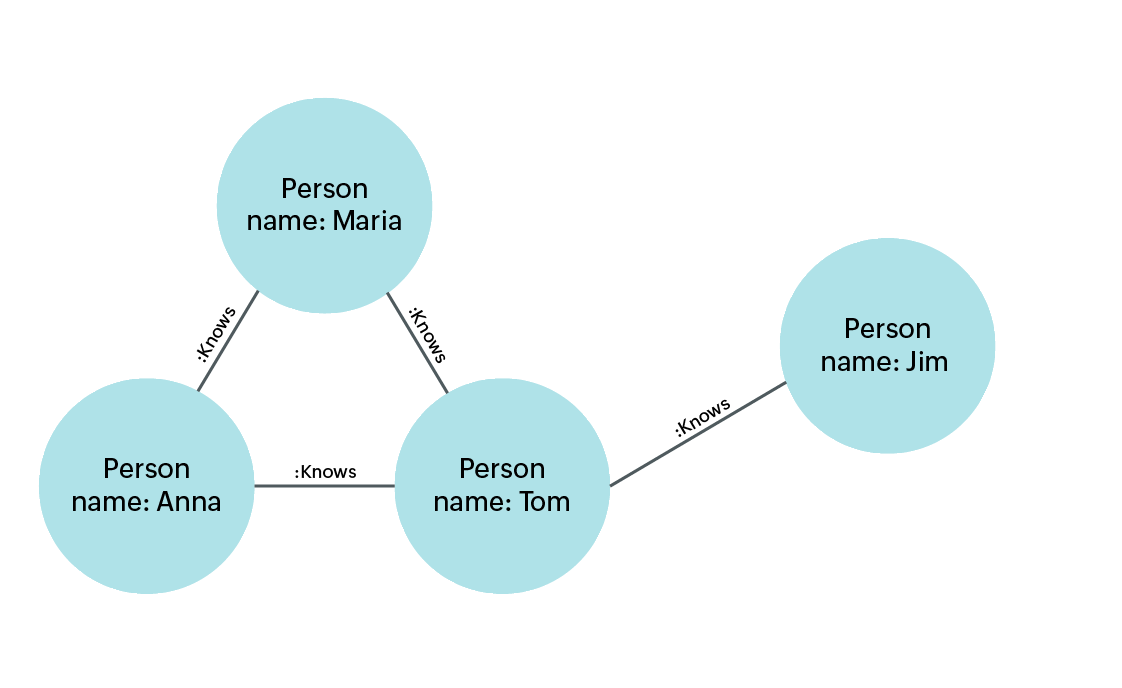
PDF Page, Contents, and Resources are safest treated as an object graph connected by references. Source: Site24x7
Core Philosophy 3: Never Trust the Original Object Numbers
The most important implementation principle in PDF merging is to never trust the original object numbers. Different PDFs can freely use the same object numbers. Object 10 0 obj in file A and 10 0 obj in file B are completely different objects.
When building a new PDF, every input object must be remapped to a new object number:
(file A, 10 0) -> new 15 0
(file B, 10 0) -> new 42 0
The problem doesn't end with renumbering. Objects internally contain indirect references pointing to other objects:
<<
  /Type /Page
  /Resources 10 0 R
  /Contents 11 0 R
>>
When this Page object is moved into the new document, the targets of /Resources and /Contents must also be updated to the new object numbers. Object copying is therefore closer to a deep copy, and every indirect reference encountered during copying must be rewritten to the new numbering scheme.
Skipping this step produces a PDF that may appear to generate successfully, but will exhibit missing fonts, missing images, or viewer errors on certain pages where an object cannot be located. The reliability of a PDF editor ultimately depends on the accuracy of reference remapping.
Core Philosophy 4: Flatten the Pages Tree, Then Rebuild It
The Pages structure in a PDF is a tree. In simple PDFs, Page objects appear directly in the /Kids array, but documents with many pages can have intermediate Pages nodes nested several levels deep.
Trying to handle page reordering directly on this tree makes the implementation complex. Moving a specific page requires updating the /Count value in ancestor nodes and simultaneously manipulating /Kids arrays at multiple levels.
For an initial implementation, flattening the Pages tree first is the safer approach:
Pages tree -> [Page 1, Page 2, Page 3, ...]
User operations -> [Page 3, Page 1, Page 2, ...]
New Pages tree -> new /Kids array and /Count
This approach may not preserve the optimization structure of the original tree. But if the goal of an initial PDF editor is page merging and rearrangement, clarity and stability of the result matter more than faithfully preserving the original tree. Building a simple new Pages tree makes /Parent, /Kids, and /Count straightforward to compute consistently.
PDF 1.5 introduced object streams and xref streams. The qpdf documentation explains these as structures introduced in PDF 1.5. Even if an input PDF uses these structures, the output PDF does not need to be written in the same way. The parser must be able to read a wide variety of inputs, but the writer should initially produce output in the simplest, most verifiable form.
Core Philosophy 5: Defer Content Stream Editing to the Last Stage
The most appealing feature in a PDF editor — from the user's perspective — is text editing: clicking on text in a PDF and changing it. Technically, however, this feature should be the last one added.
Editing inside a content stream touches all of the following problems at once:
- Decompressing and recompressing streams
- Updating
/Length - Parsing text objects between
BTandET - Interpreting
Tj,TJ,Td,Tm, andTfoperators - Handling font Encoding and ToUnicode CMap
- Layout changes caused by string length changes
- Adding glyphs not present in subset fonts
- The difference between writing over existing text and actually deleting it
Changing the number of characters is particularly problematic for layout. PDF does not reflow text the way HTML does; it simply draws new glyphs at fixed positions. A longer string can overlap adjacent characters; a shorter string requires explicitly clearing the original character footprint.
Edit2me's initial philosophy is therefore to not modify text. Once the page assembly functionality is stable, text editing can be introduced as a separate layer. If text editing is eventually needed, it is also important to distinguish between semantically modifying existing content and compositing a new layer on top of existing content.
Core Philosophy 6: Lenient Parser, Strict Writer
Real-world PDFs frequently deviate from the spec. Different generators produce slightly different structures; some PDFs open in viewers despite being damaged; some files have multiple rounds of incremental updates; some are encrypted; some have broken xrefs that can still be recovered.
Handling this range of input requires a lenient parser. It must be able to read traditional xref tables, xref streams, object streams, and incremental updates, and it must handle stream filters. The Library of Congress PDF description likewise categorizes PDF into multiple subtypes and usage contexts.
The writer, by contrast, must be strict. Output PDFs must have a predictable structure. New object numbers must not collide; xref offsets must be exact; the trailer's /Root and /Size must be consistent. Input can be complex; output must be simple.
This principle aligns with a common strategy in document processing systems:
Input layer:       accept the widest possible range of real-world documents
Normalization layer: convert to an internal model
Output layer:      generate a predictable, well-formed format
A PDF editor needs the same structure. Carrying the complexity of an input PDF all the way through to the UI and the writer destabilizes the entire system. An internal model must sit in the middle, with all operations performed against that model.
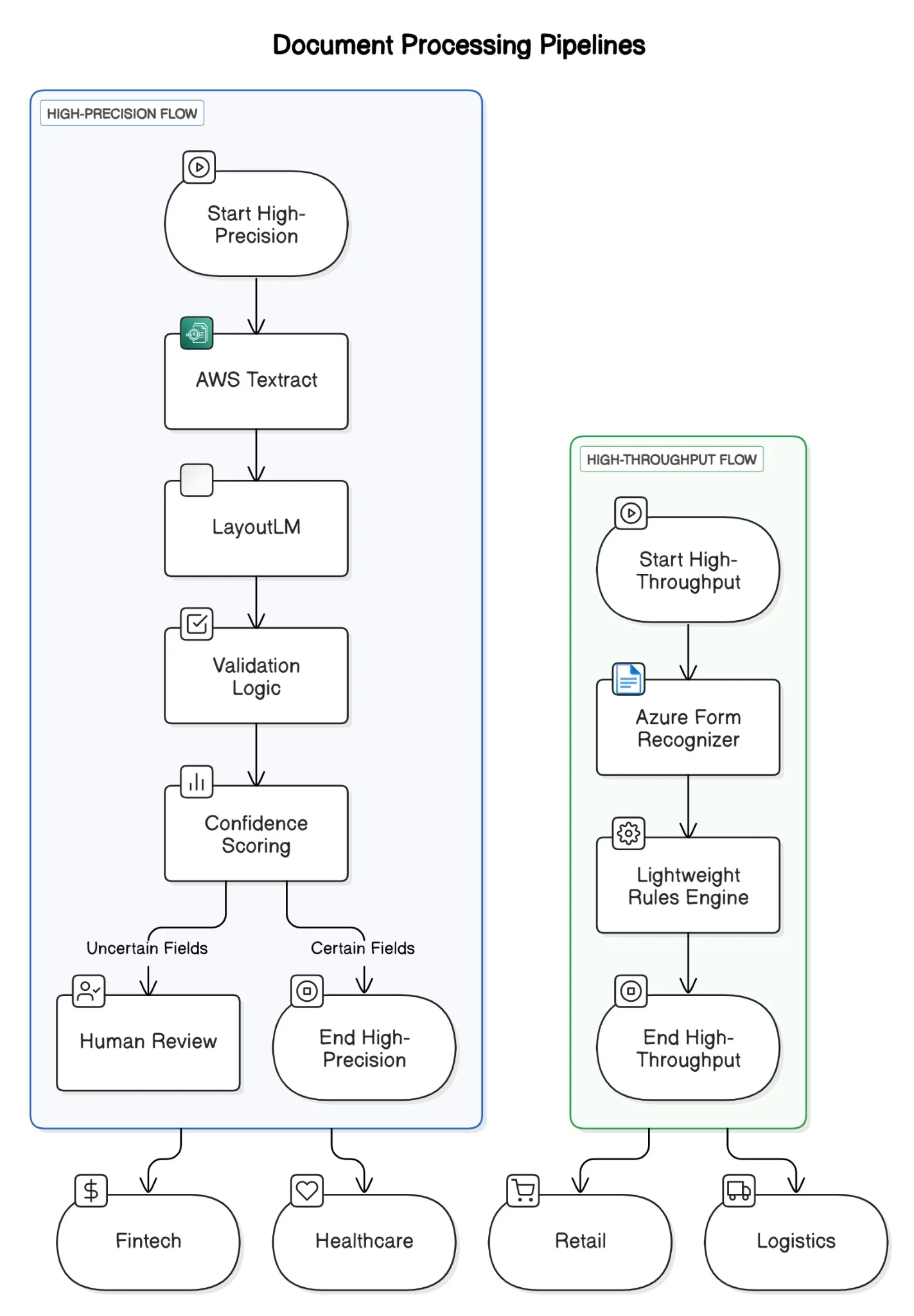
The key is normalizing the input PDF into an internal model, then writing a predictable output from that model. Source: InfoQ
How RAG Document Parsing Experience Shaped the Design
Working on RAG pipelines for AI agents involved a lot of PDF handling. Contextifier is a library for chunking documents, and the PDF parsing side constantly surfaces problems with text ordering, coordinates, tables, images, and page boundary handling.
When working with PDFs in RAG, the central challenge is the gap between the page a person reads and the text a model ingests. What looks like natural paragraphs on screen may come out of extraction in the wrong order. Tables lose their row and column structure; headers and footers bleed into body text; scanned documents yield no text at all without OCR.
That experience carries directly into PDF editor design. PDF prioritizes stable visual rendering, which means the internal semantic structure can be weak. An editor must therefore avoid over-inferring semantic structure. It should operate on the structures PDF provides reliably — starting with page-level manipulation.
Document parsing reconstructs reading order from rendering output. PDF editing reassembles the object graph without breaking the rendering output. The direction is opposite, but the core insight is the same: treat PDF as a structured object graph, not as a flat file.
UI Design Principle: Users Manipulate Pages, the System Manipulates Objects
The PDF editor UI should be simple. What users want to do generally comes down to four things:
- Upload a PDF file.
- View the pages of each PDF.
- Reorder pages or remove some of them.
- Download the resulting PDF.
In this flow, users don't need to know about xref, trailer, object streams, or Resources. All of that internal complexity belongs inside the system. When a user moves a page, the system reorders the Page model internally and rewrites the object graph at save time.
The key here is keeping UI state and PDF state separate. UI state holds the page order the user has chosen and which pages have been deleted. PDF state holds the original document, Page object references, the dependency object graph, and the new object number mappings.
UI State
- document list
- selected pages
- page order
- removed pages

PDF Engine State
- parsed objects
- page references
- dependency graph
- object id mapping
- output writer state
This separation keeps the implementation clean. Undo, reordering, and deselection in the UI don't require modifying the original PDF objects each time. The new PDF is only generated at the final save step, taking the user's page array as input.
What We Considered
The items considered during Edit2me's initial design are as follows.
First, preserving the original. The original PDF is never modified in place. All operations produce a new output PDF. This approach is safe and easy to recover from on failure.
Second, page-level stability. The initial feature set focuses on merging, splitting, and reordering. These can all be implemented without inferring the logical paragraph structure inside a PDF.
Third, object-graph-based copying. Rather than copying only the Page object, the system tracks dependent objects referenced by the Page—Contents, Resources, Annots, and so on. Indirect references are rewritten to fit the new object numbering scheme.
Fourth, asymmetry between input and output. Input must accept a wide variety of PDF structures, but output is kept as simple and verifiable as possible.
Fifth, separation of UI and engine. The unit users operate on is the page, but the unit the engine processes is the object graph. These two are never mixed directly.
Sixth, the order of feature expansion. Text editing, OCR, AcroForm preservation, digital signature preservation, and advanced annotation editing are out of scope for the initial version. Page assembly needs to work reliably first.
What We Decided Not to Consider
Good design starts with being clear about what not to do. The following items were intentionally deferred from the initial version of Edit2me:
- Directly modifying text inside a PDF
- Automatic reflow of existing paragraphs
- Inserting new glyphs into font subsets
- Digital signature preservation
- Editing encrypted PDFs
- Recovering damaged PDFs
- Full semantic preservation of AcroForms
- Advanced annotation editing
- OCR-based text layer generation
- Full compliance with purpose-specific standards like PDF/A and PDF/X
These items aren't excluded because they're unimportant. Each is large enough to be its own project, so they're kept separate from the initial goals. Digital signatures in particular connect to incremental update and change-integrity concerns. Encrypted PDFs require policies for permissions, decryption, and re-encryption. OCR expands into image processing and text layer insertion.
The goal of the initial version is narrower and more concrete: let users upload multiple PDFs, assemble pages in the order they want, and reliably download the result.
Edit2me from an Architecture Perspective
Edit2me can be broken into four layers:
Upload Layer
Parse Layer
Page Model Layer
Write Layer
The Upload Layer receives input files. This layer handles operational concerns: file size, MIME type, storage location, and temporary file lifetime.
The Parse Layer reads the PDF and builds the object table. It reads the xref, finds the Root from the trailer, and walks the Pages tree to produce a list of Pages. Stream filter handling and object stream processing are this layer's responsibility.
The Page Model Layer is the intermediate representation between the UI and the engine. It manages the page list the user sees, references to the source document, references to the original Page objects, rotation, box information, and the list of dependent objects.
The Write Layer takes the final page array as input and generates a new PDF. It assigns new object numbers, rewrites references, constructs the Catalog and Pages tree, and writes the xref and trailer.
The most important layer in this structure is the Page Model Layer. Without it, UI interactions are coupled directly to the PDF's internal structure, meaning even small UI changes trigger PDF object modifications and the implementation becomes complex. With a well-defined Page Model, the UI only deals with page arrays and the writer simply serializes that array into a PDF.
Implementation Priorities
A reasonable initial implementation order is:
- Parse a single PDF
- Flatten the Pages tree
- Build the page list model
- Generate a new PDF from selected pages
- Remap object numbers
- Merge multiple PDFs
- Reorder pages
- Wire up thumbnails or previews
- Basic annotation preservation
- Expand edge case handling
This order is organized by risk, not by feature visibility. Single-PDF page reading and rewriting needs to be stable before moving on to multi-PDF merging. Multi-PDF merging requires object number remapping without exception. UI previews are safer to add after that.
The most common failure in software design is building the visible UI first. This is especially dangerous for a PDF editor. The UI can be made to look convincing, but if pressing the save button doesn't produce a correct PDF, the entire tool is worthless. Engine reliability comes first.
Where Things Can Go Wrong
A PDF editor can fail at several points.
First, misreading the xref. Assuming only a traditional xref table will cause failures on PDFs that use xref streams.
Second, missing objects inside object streams. Objects that don't appear directly in the file body are hard to find with naive regex parsing.
Third, missing inherited page attributes. /Resources, /MediaBox, /CropBox, and /Rotate may not be present on the Page object itself—they can be inherited from a parent Pages node.
Fourth, under-copying resource dependencies. If a Page's /Resources references fonts, images, color spaces, ExtGState, or Pattern objects, the system must follow those references down to their dependents.
Fifth, dropping annotations and forms. In a naive merge, the visible page content can survive while links and form fields disappear.
Sixth, failing to handle stream filters correctly. Beyond FlateDecode, there are many others—DCTDecode, JPXDecode, LZWDecode, and more.
All of these failure points lead to the same conclusion: a PDF editor must be an object-graph processor, not a string editor.
Summary
The core philosophy behind building a PDF editor is to stop treating PDF like a word processor document. PDF is closer to a fixed-layout rendering result; internally it consists of an object graph and content streams. For that reason, targeting page assembly rather than text editing as the initial goal is the more stable path.
Edit2me's approach is to avoid modifying the original PDF directly, and instead assemble the needed pages and their dependent objects into a new document. Pages are the UI unit visible to the user and the central unit of the internal model. When merging multiple PDFs, object numbers must be reassigned and all indirect references rewritten. Flattening the Pages tree and rebuilding it from scratch is the cleaner approach for an initial implementation.
This design connects back to the RAG document parsing experience. There is a gap between what a human sees in a PDF and the structure a machine reads. In parsing, that gap must be bridged by recovering reading order and semantic units. In editing, the gap must be respected—the object graph must be preserved and reassembled without breaking it.
Part 3 will translate this philosophy into an actual implementation walkthrough: parsing a single PDF, extracting the page list, remapping object numbers, constructing a new Pages tree, and writing the xref and trailer—all covered through code.